

System Performance
PC Performance & Speed
Understand why a computer may take longer to start, respond slowly, freeze during use, or run out of available storage space.
Select a category to preview its learning focus, understand the key areas covered, and open the complete guide when you are ready to continue.
System Performance
Understand why a computer may take longer to start, respond slowly, freeze during use, or run out of available storage space.
Windows Updates
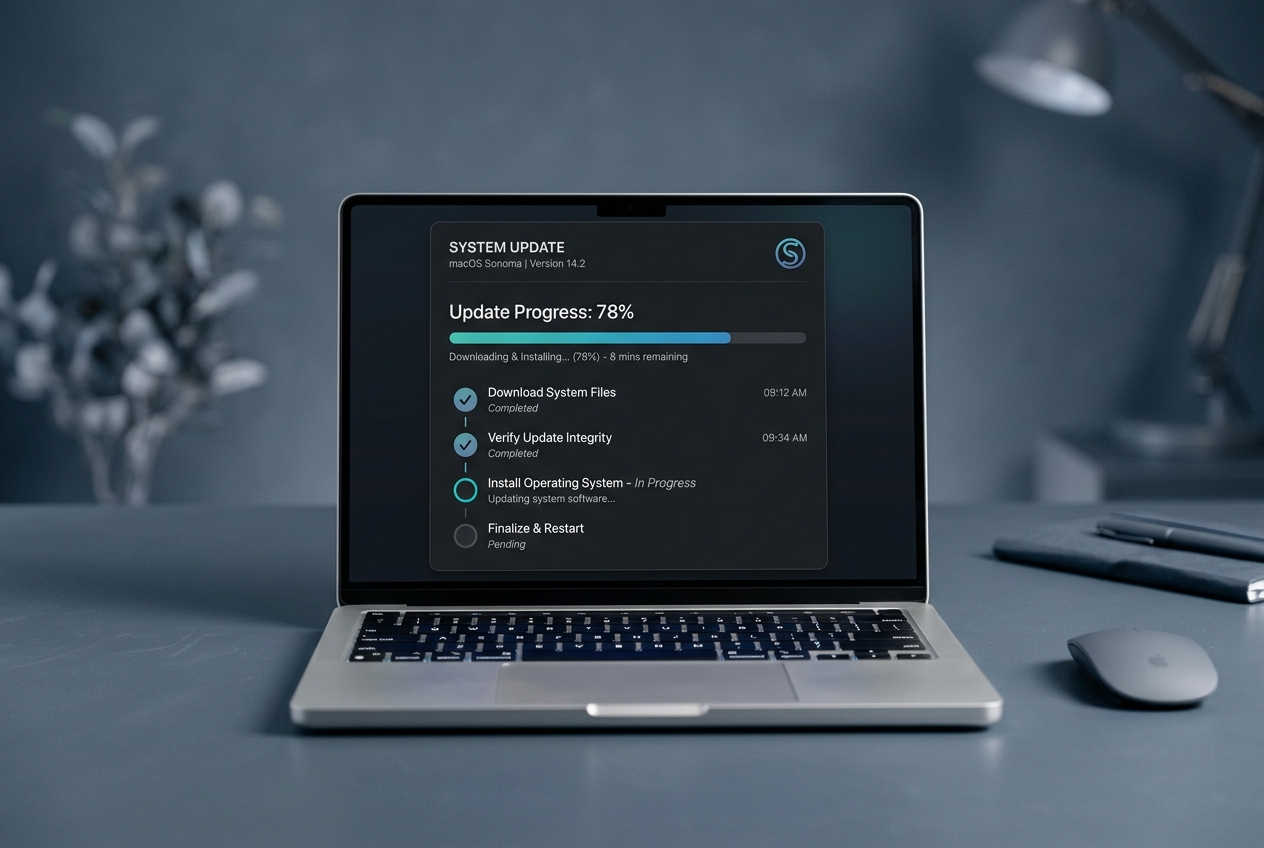
Learn why Windows updates may get stuck downloading, restart repeatedly, or require service cache cleanup.
Task Manager
Explore 100% CPU spikes, active disk bottlenecks, high memory consumption, and startup application impact.
Error Recovery
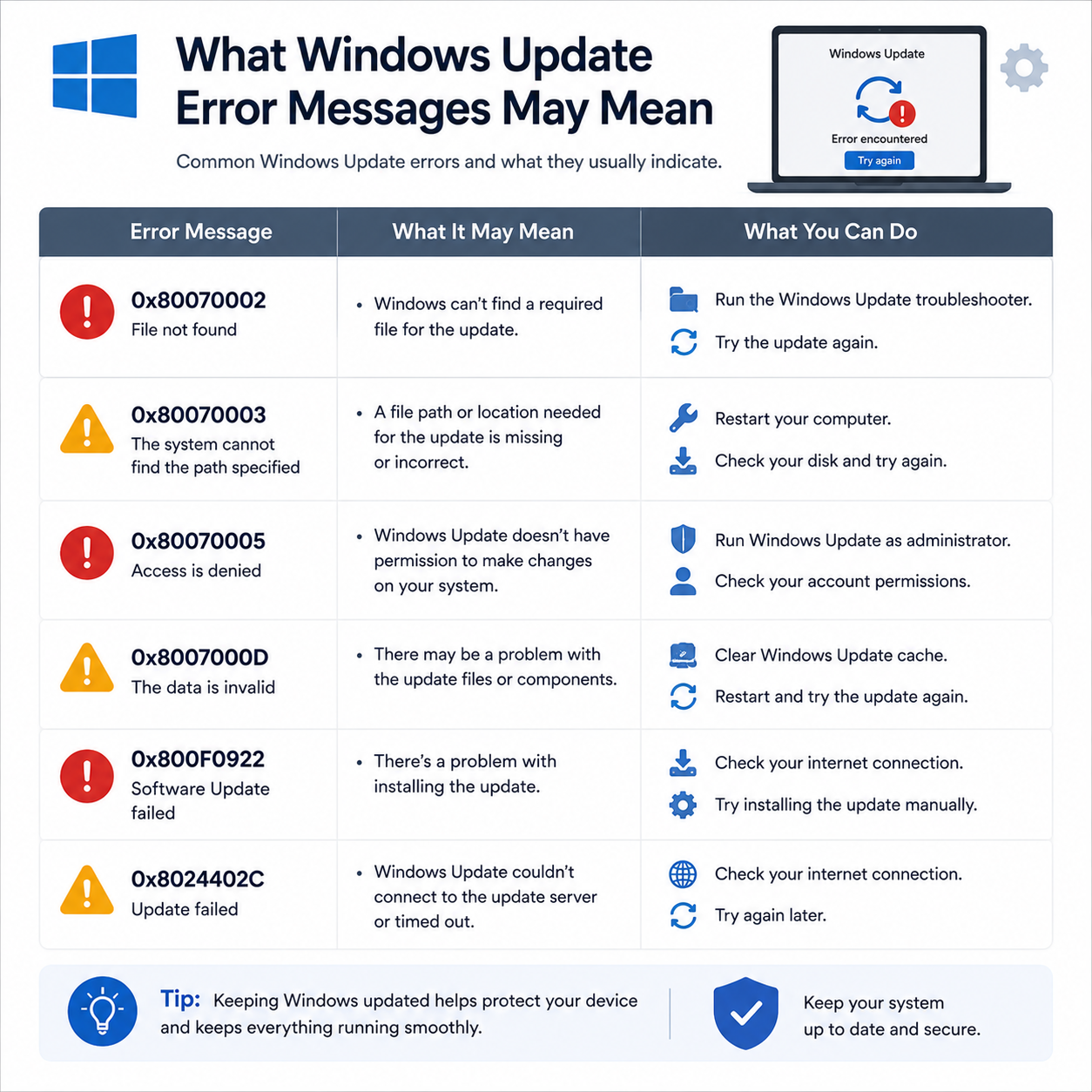
Understand numeric update error codes (0x800...), driver rollback options, and safe mode system recovery.
This section is not another topic directory. It explains how the guide library helps users understand everyday technology in a calm, structured and useful way.
Many technology messages feel confusing because they mix device settings, network behaviour, account configuration and system activity. Our guides break those ideas into smaller learning points so readers can understand the situation without pressure or unnecessary complexity.
Learn what offline, sync, connection and update messages usually mean.
Understand the relationship between devices, accounts, networks and operating-system settings.
Technical terms are explained in a more readable form, helping beginners understand the subject without unnecessary jargon.
Each guide follows a clear order so readers can move from basic understanding to more specific settings and related concepts.
PC performance, startup, storage optimization and Windows update topics are separated into focused guides for easier reading.
The website does not offer phone support, remote access, paid diagnostics or software sales.
Readers can explore the complete guide library without creating an account or purchasing a subscription.
Select the category that matches the message, setting or device behaviour you want to understand.
Review the meaning, related settings and common terminology in a clear learning sequence.
Apply the general concepts to understand settings, options, and device behaviours more clearly.
Choose a category below and continue with a focused guide. Each topic is written to help you understand messages, settings and common device behaviour in simple language.
Search by message, behaviour, category or error code. Select a result from the directory to preview its explanation before opening the related guide.
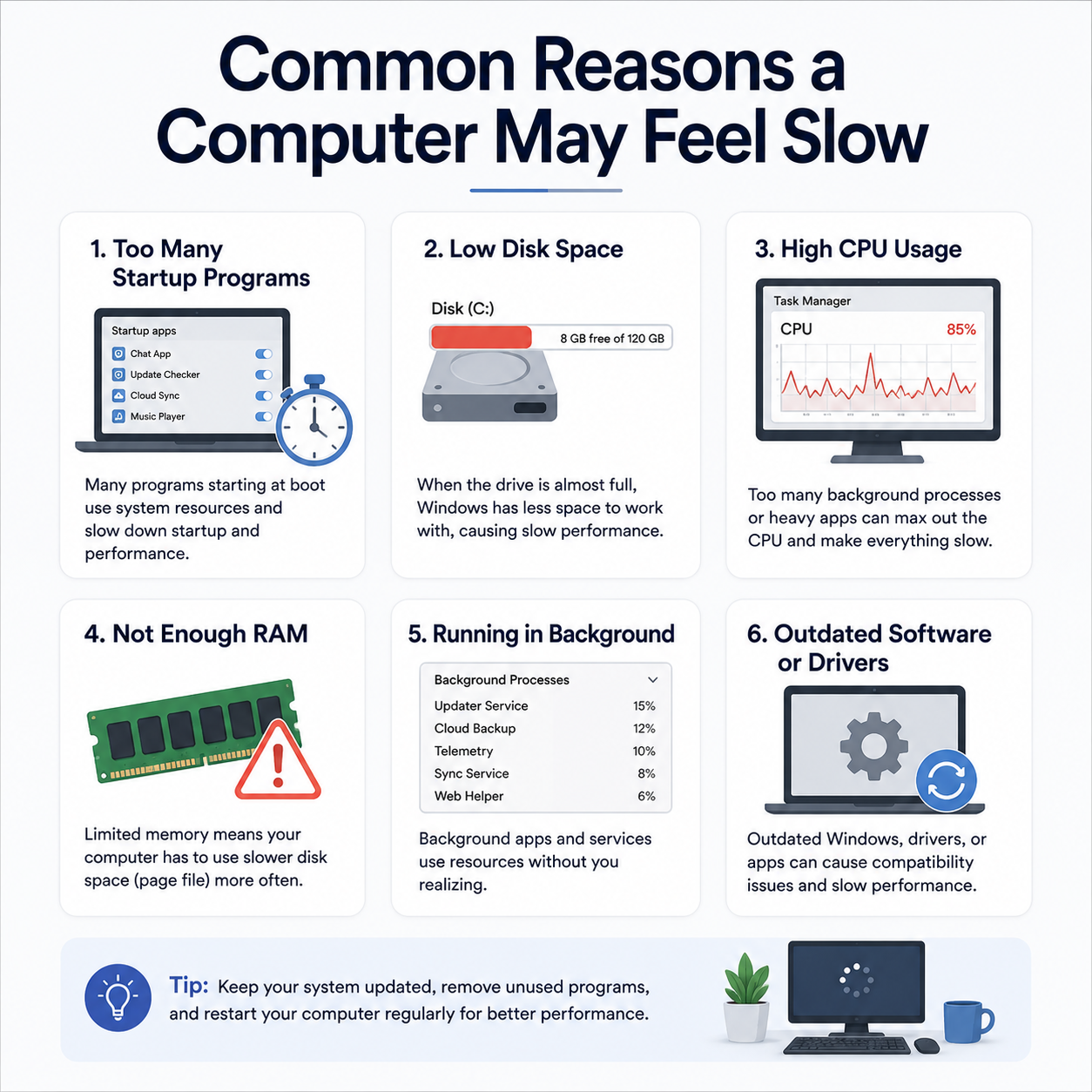
Windows loads very slowly, and the desktop icons or taskbar remain frozen for several minutes after login.
Task Manager reveals 100% CPU or active disk time, causing mouse jitters and laggy application performance.
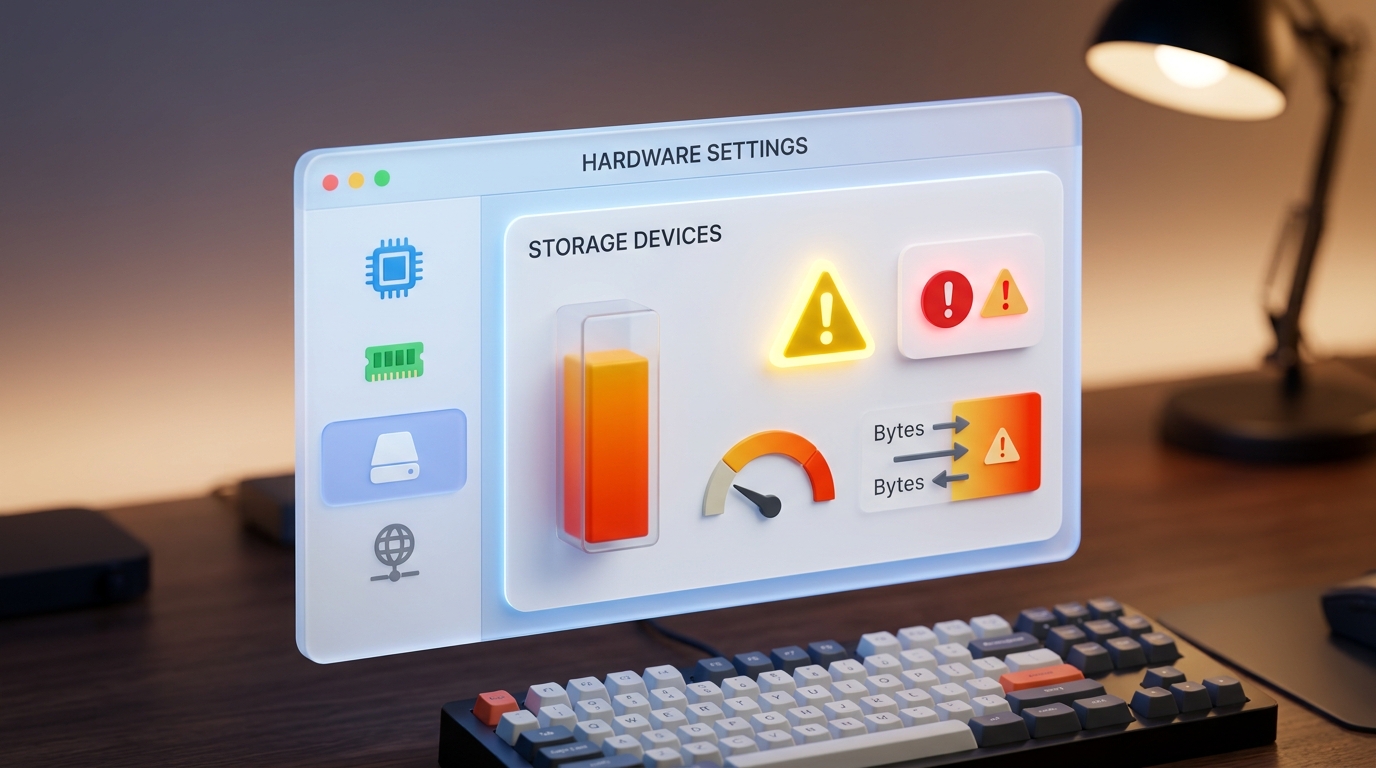
Windows warns of low disk capacity on the C: drive, which prevents temporary cache file creation.
The progress screen halts for hours, or displays "Undoing changes" after restarting.
Update history shows a list of failed installations with numeric error codes instead of success.
An automatic system update updates a driver that causes system crashes, loop restarts, or hardware failures.
Try a shorter keyword or choose another category.
guidesphere is an independent educational resource created to explain common device messages, settings, connections and system behaviour in clear language.
A computer running slowly, high CPU and disk usage spikes, or a Windows update failing to install can feel difficult to understand. The library explains what those situations usually mean, how related settings work together, and where readers can continue learning through official resources.
Simple language without unnecessary technical complexity.
Topics are organized in a clear and logical sequence.
Official documentation is included where relevant.
Each topic is explained with simple language so readers can understand device behaviour without unnecessary technical complexity.
The library focuses on educational explanations, common terminology, device messages, settings, and everyday technology concepts.
Readers can browse the complete learning library without creating an account, paying a fee, or starting a subscription.
Connection status, queues, alerts and common device messages.
Signals, passwords, gateways, DNS and connectivity behaviour.
Login, server settings, authentication and message delivery.
Startup, storage, background activity and Windows update concepts.
Select a question from the index to read a complete answer and understand the website's educational boundaries.
No. guidesphere is an independent educational library. We write self-guided learning resources and system guides for PC performance and Windows updates. We do not offer phone callbacks, remote logins, software downloads, or technician dispatch.
You can explore beginner-friendly readings about PC performance, startup application optimization, storage cleanup, device drivers, and Windows update troubleshooting.
Yes. PC performance articles explain common concepts such as startup impact, background processes, Task Manager indicators, thermal throttling, and disk storage optimization.
Yes. Our Windows update articles introduce topics such as pending updates, installation loops, restart schedules, update history, and common error messages (0x800...).
No. We provide free educational articles only. We do not request callback numbers, offer remote-access tools, or sell paid diagnostic programs.
Explore selected articles about computer performance optimization, storage cleanup, and Windows update troubleshooting through clear, beginner-friendly educational reading.
PC-01
Learn how startup programs, storage usage, memory consumption, background processes, updates, and system resources can affect performance.