
Learning Guides Index

Choose a topic and follow a clear learning path.

Browse self-guided educational resources about computer performance optimization and Windows updates.

Guide Categories

Start with the topic you want to understand.

Each category is designed for calm reading, simple explanations and general educational understanding.

Issue directory

Find the message you see and open the closest learning guide.

Search by message, behaviour, category or error code. Select a result from the directory to preview its explanation before opening the related guide.

Matching directory All common issues
6 results
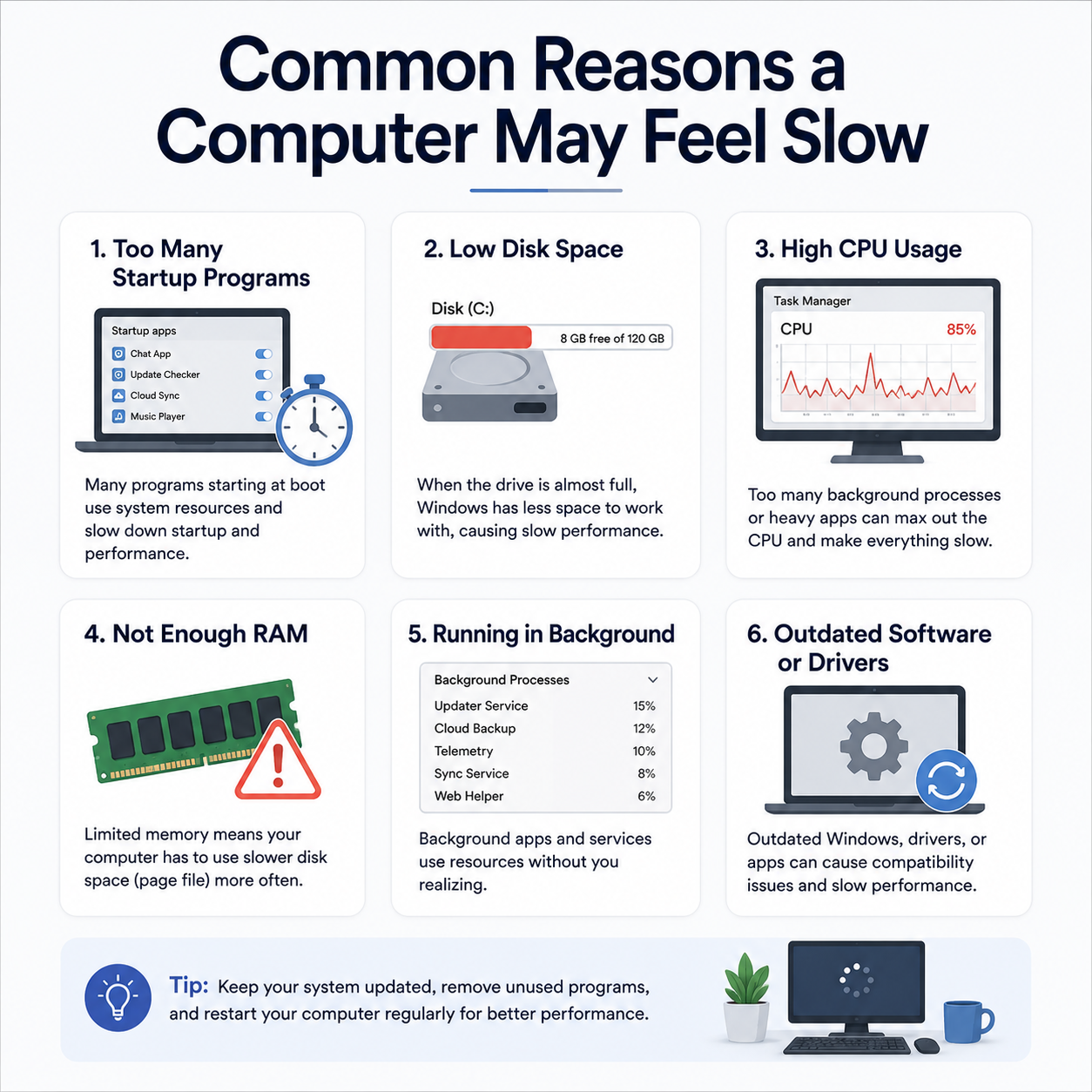
Computer takes too long to load apps after turning on
Startup Apps ISSUE 01
PC Performance

Computer takes too long to load apps after turning on

Windows loads very slowly, and the desktop icons or taskbar remain frozen for several minutes after login.

What this may mean A common device, network, account or system-status condition.
What the guide explains Related settings, terminology and everyday behaviour.
Where to continue The related topic page and official resources where available.
High CPU or Disk usage causing system freezes
System Memory ISSUE 02
PC Performance

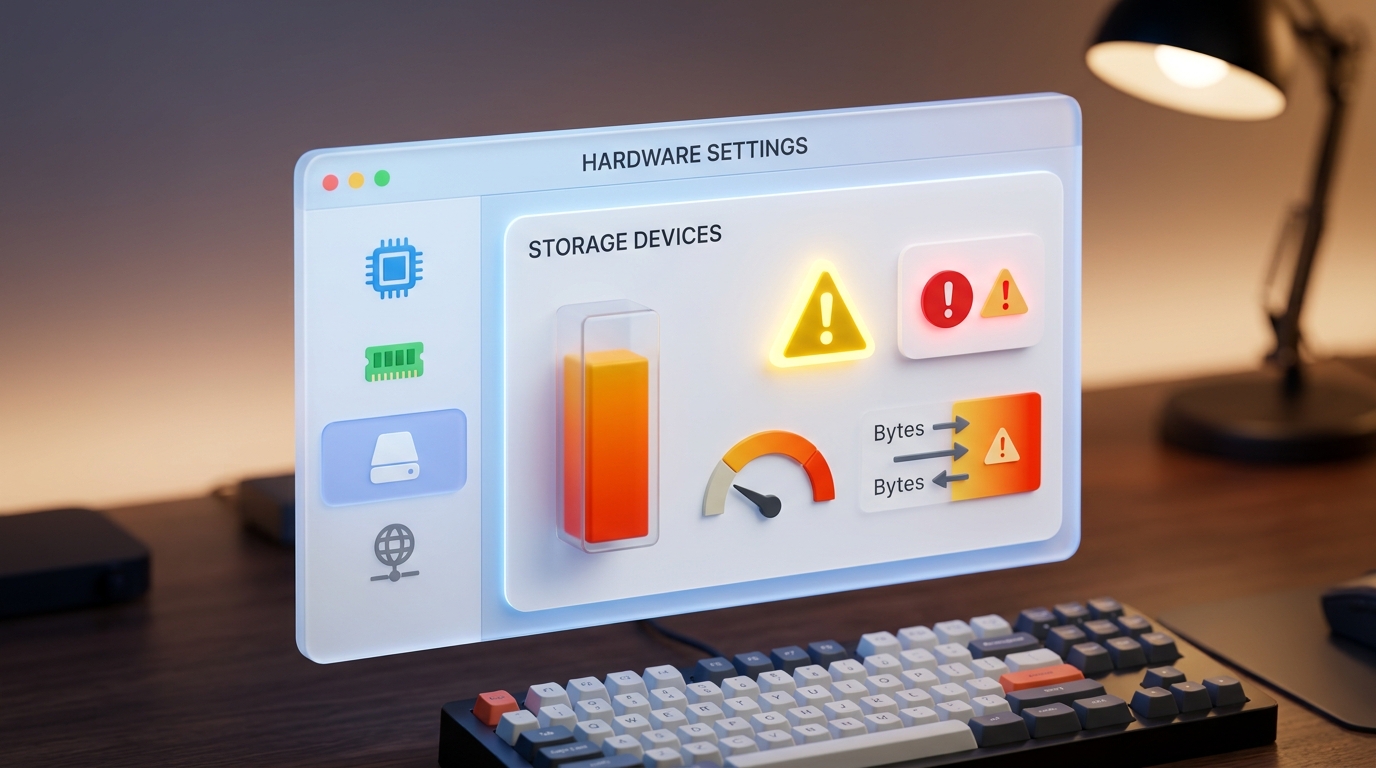
High CPU or Disk usage causing system freezes

Task Manager reveals 100% CPU or active disk time, causing mouse jitters and laggy application performance.

What this may mean A common device, network, account or system-status condition.
What the guide explains Related settings, terminology and everyday behaviour.
Where to continue The related topic page and official resources where available.

Low storage space warnings on your system partition
Disk Space ISSUE 03
PC Performance

Low storage space warnings on your system partition

Windows warns of low disk capacity on the C: drive, which prevents temporary cache file creation.

What this may mean A common device, network, account or system-status condition.
What the guide explains Related settings, terminology and everyday behaviour.
Where to continue The related topic page and official resources where available.
Windows Update screen stuck at 99% or failing to progress
Stuck Updates ISSUE 04
Windows Updates

Windows Update screen stuck at 99% or failing to progress

The progress screen halts for hours, or displays "Undoing changes" after restarting.

What this may mean A common device, network, account or system-status condition.
What the guide explains Related settings, terminology and everyday behaviour.
Where to continue The related topic page and official resources where available.

Received error codes like 0x800f081f or 0x80070002
Error Codes ISSUE 05
Windows Updates

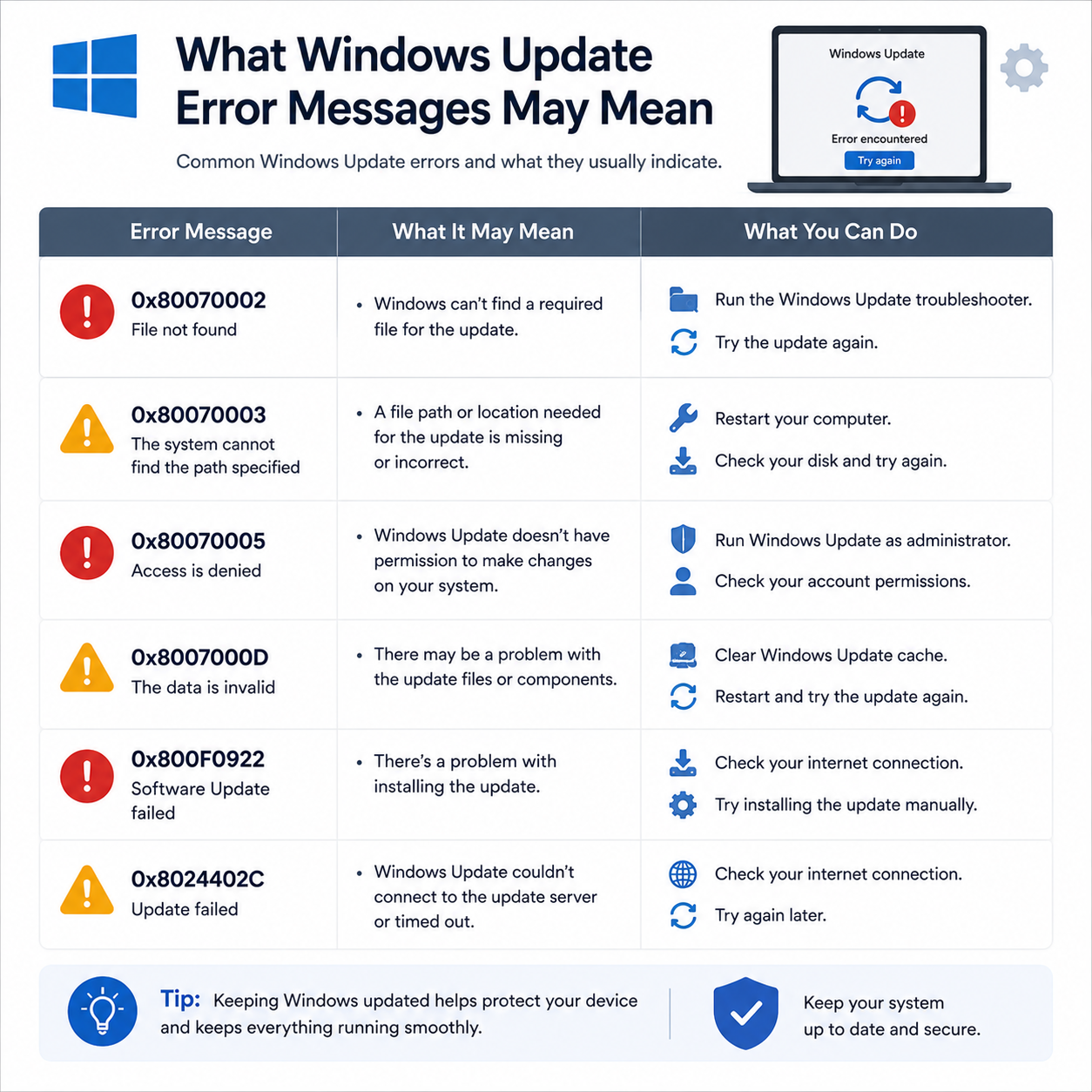
Received error codes like 0x800f081f or 0x80070002

Update history shows a list of failed installations with numeric error codes instead of success.

What this may mean A common device, network, account or system-status condition.
What the guide explains Related settings, terminology and everyday behaviour.
Where to continue The related topic page and official resources where available.
Rollback driver updates causing Blue Screens (BSOD)
Driver Rollback ISSUE 06
Windows Updates

Rollback driver updates causing Blue Screens (BSOD)

An automatic system update updates a driver that causes system crashes, loop restarts, or hardware failures.

What this may mean A common device, network, account or system-status condition.
What the guide explains Related settings, terminology and everyday behaviour.
Where to continue The related topic page and official resources where available.

No matching issue found

Try a shorter keyword or choose another category.

Learning Route

A four-step path from question to understanding.

Use every guide in the same simple sequence.

How to use the library.

Choose a topic, understand the concept, and compare examples.

01

Pick a Topic

Choose PC performance optimization or Windows update learning.

02

Read the Concept

Understand common terms, status messages, settings, and device behavior.

03

Compare Examples

Match the explanation with common screens, messages, and system prompts.

Library Boundaries

Educational guides only.

The library does not provide callbacks, remote sessions or repair services.

No phone support
No remote access
No repair service